First run
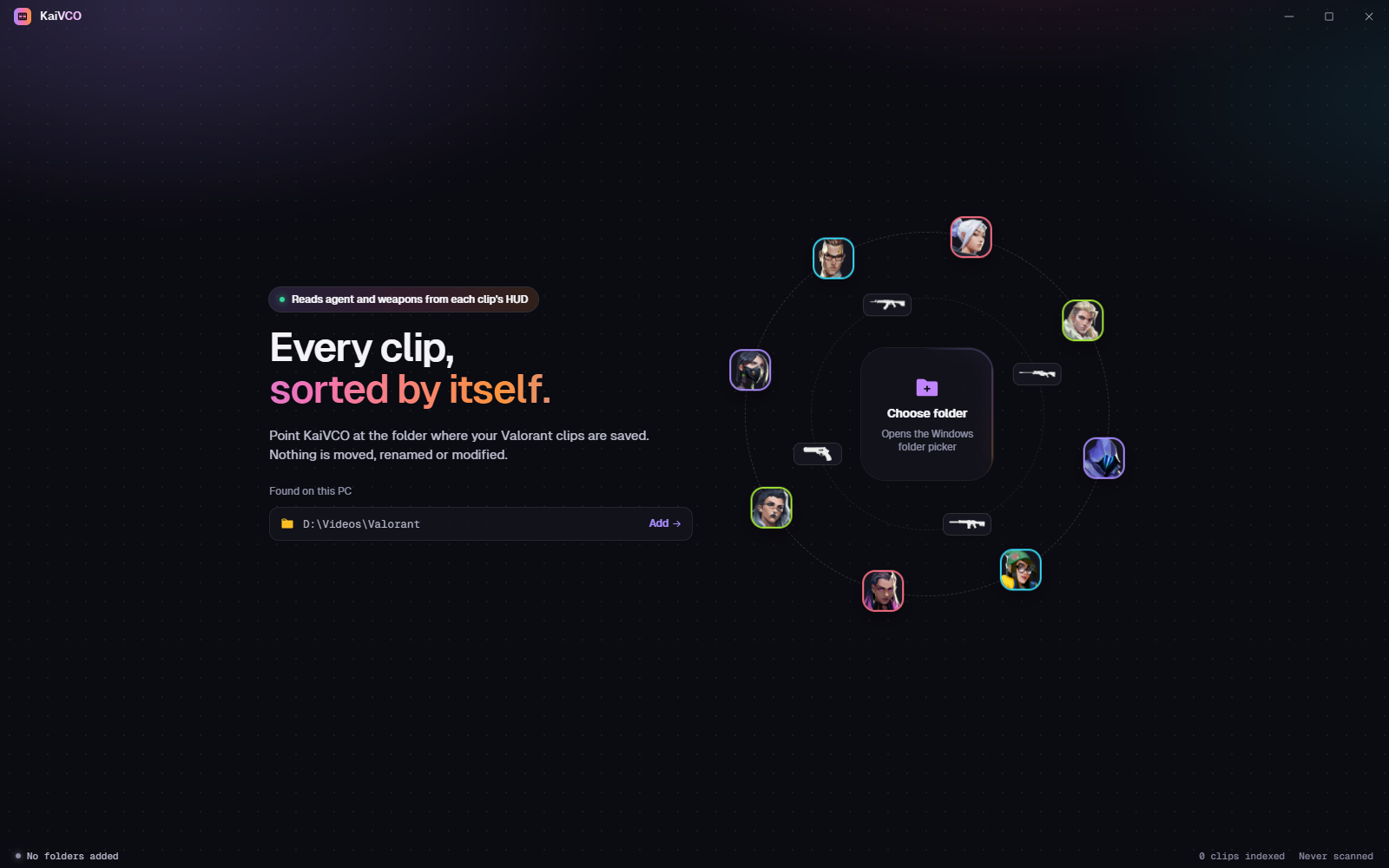
The first time you open KaiVCO, it asks where your clips are. This page walks through adding a folder, running the first scan, and checking what the scan was unsure about.
Add your clip folders
Point the app at wherever your recorder saves clips. Subfolders are included, external drives are remembered, and your files are never moved, renamed or changed.
Run the first scan
A few frames from each clip are matched against the Reference Library. Only new or changed files are rescanned next time.
What confidence means
| Level | Range | Meaning |
|---|---|---|
| High | 80%+ | Trusted. Shown as-is. |
| Medium | 60–79% | Usually right. Worth a glance. |
| Low | Under 60% | Sent to Needs review. |
Review what it wasn’t sure about
Low-confidence or unreadable clips go to Needs review. Change a label or confirm it; every correction is learned and improves the next scan.